
Explore The Fastest Way Into The Right AI Workflow
Start from the job you need done, not from a crowded model list. Pick a task, open the right tool page, and move toward a first useful draft faster.
Use Explore to jump directly into generation, cleanup, and image improvement workflows.
Start From A Real Job
These are the highest-intent entry points we want users to discover first.
Text To Video
Open the focused video workflow for launch clips, demos, ads, and social drafts.
AI Image Generation
Create new visuals from prompts or guide edits with a reference image.
Background Removal
Move faster from source image to reusable cutout and cleaner assets.
Image Upscaling
Improve image detail before reuse in campaigns, product pages, and launch assets.
Image Cleanup
Remove clutter and distractions without sending users through a generic tool stack.
Pricing And Credits
See plans quickly when the user is ready to scale beyond the free flow.
Open The Right Tool
Every card below is a direct route into a specific workflow instead of another broad overview page.

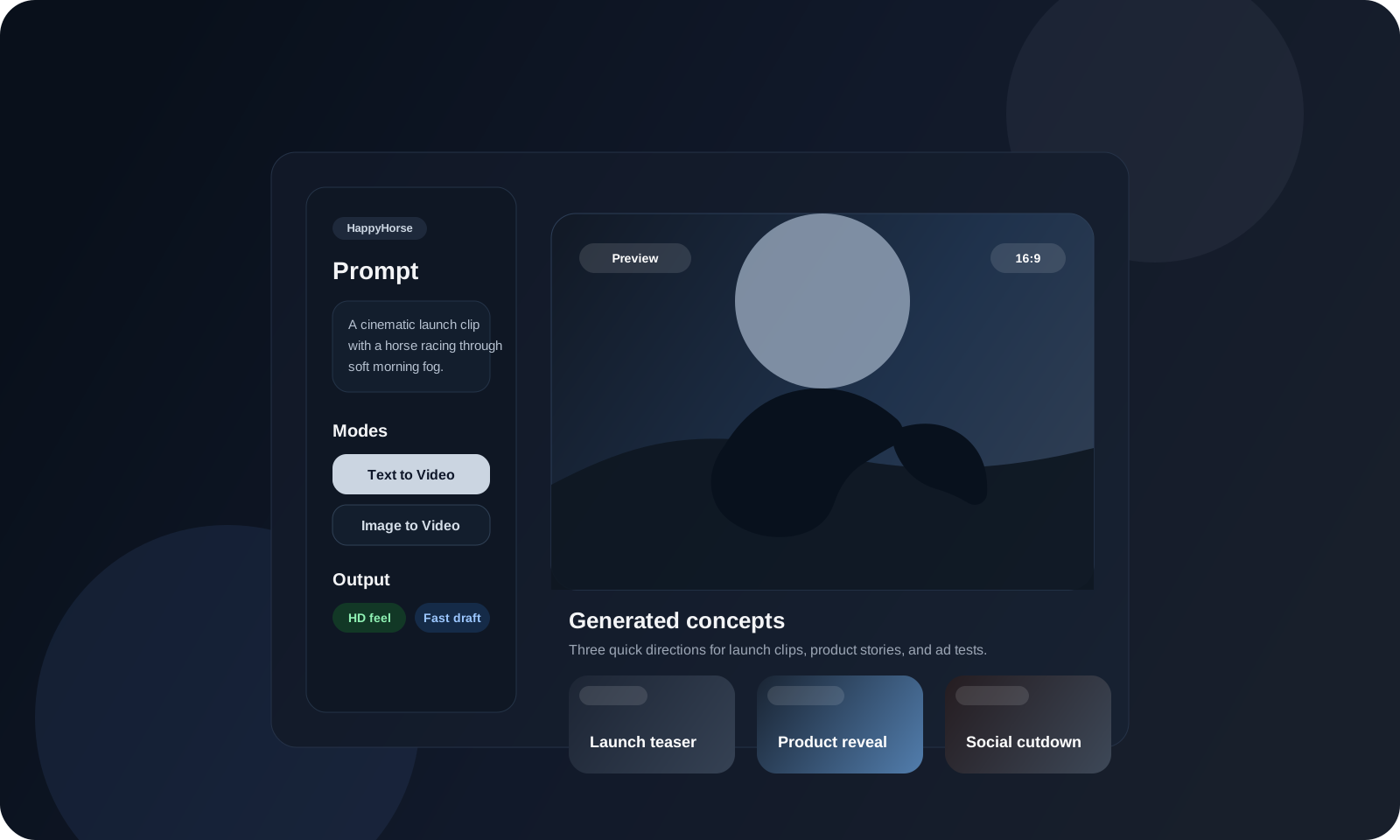
HappyHorse Video Generator
Go straight into the focused video workflow for launch-ready drafts.

AI Image Generator
Create fresh images or start from a reference visual.

Image Background Remover
Open the task page built for cleaner cutouts and asset cleanup.

Image Upscaler
Improve image detail before handoff, publishing, or paid use.

Image Eraser
Clean distractions out of product and campaign assets faster.

Pricing
Check credits and plans when you are ready to scale usage.
Start Generating Without Leaving Explore
Start Generating Without Leaving Explore
No Videos Generated
Explore FAQ
Short answers for visitors deciding where to start.
Start With The Workflow That Matches The Job
Open a focused tool page, generate a first draft, then upgrade only when the workflow is already proving useful.